The following themes (visual styles) are supported:
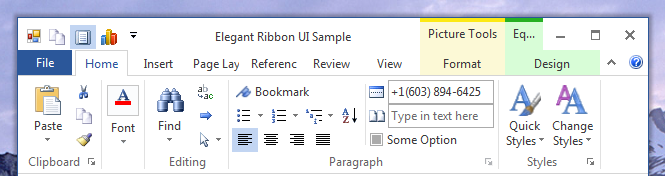
Figure 1 Office 2013 AzureWhite Theme/p>
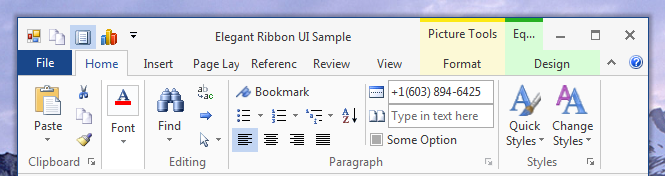
Figure 2 Office 2013 AzureLightGrey Theme
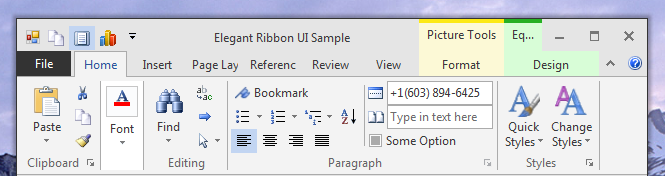
Figure 3 Office 2013 AzureDarkGrey Theme
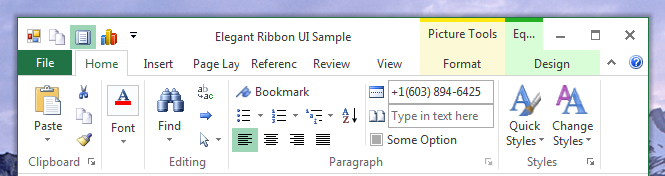
Figure 4 Office 2013 GreenWhite Theme
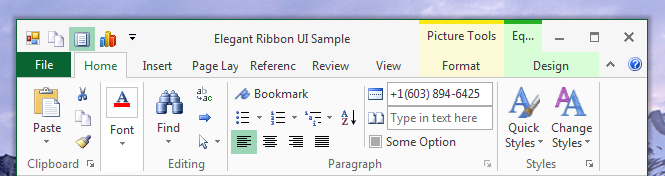
Figure 5 Office 2013 GreenLightGrey Theme
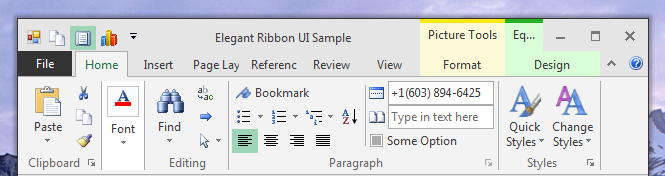
Figure 6 Office 2013 GreenDarkGrey Theme
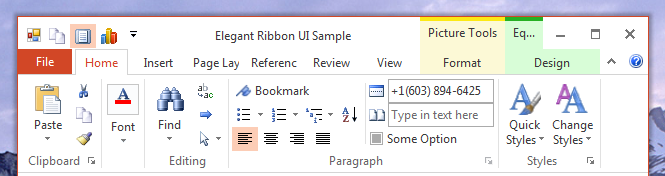
Figure 7 Office 2013 OrangeWhite Theme
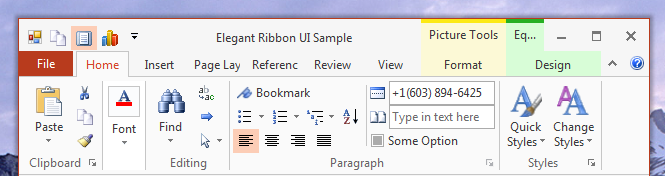
Figure 8 Office 2013 OrangeLightGrey Theme
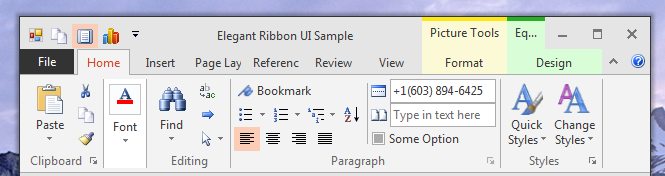
Figure 9 Office 2013 OrangeDarkGrey Theme
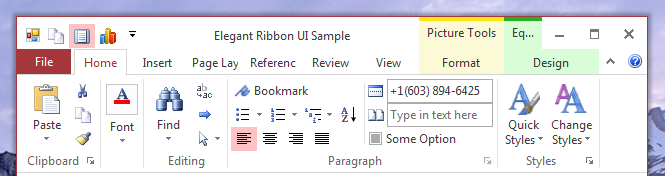
Figure 10 Office 2013 RedWhite Theme
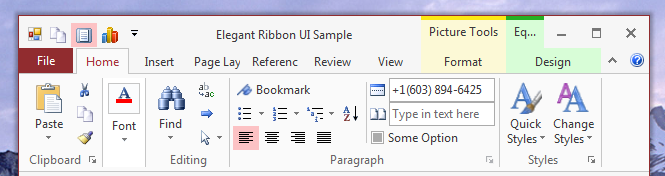
Figure 11 Office 2013 RedLightGrey Theme
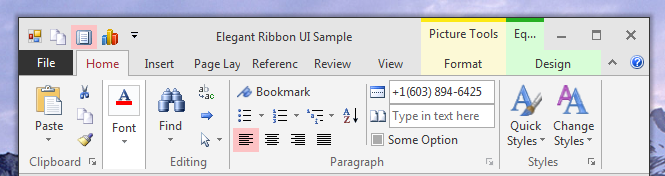
Figure 12 Office 2013 RedDarkGrey Theme
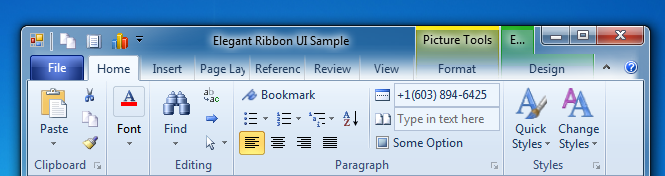
Figure 13 Office 2010 Blue Theme
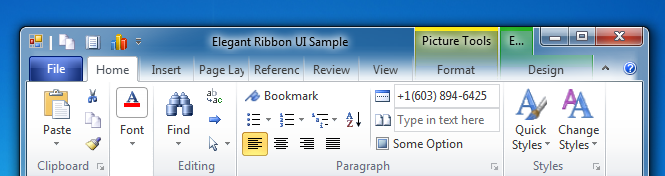
Figure 14 Office 2010 Silver Theme
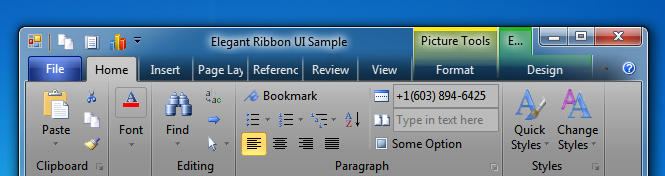
Figure 15 Office 2010 Black Theme
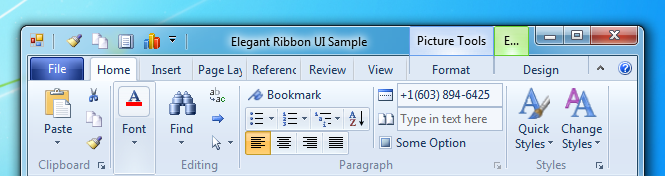
Figure 16 Windows 7 Theme
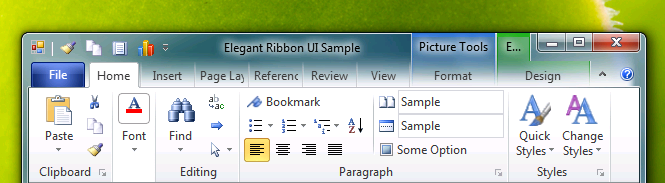
Figure 17 Office 2010 TP Theme
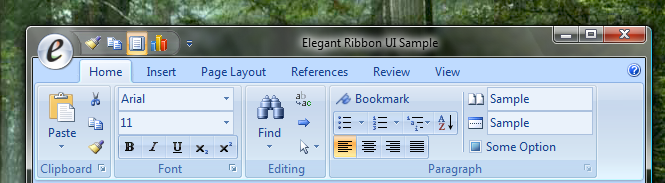
Figure 18 Office 2007 Blue Theme
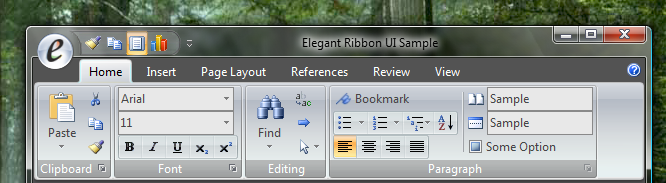
Figure 19 Office 2007 Black Theme
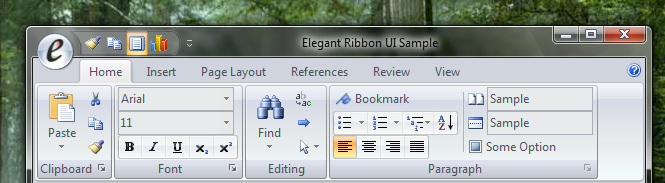
Figure 20 Office 2007 Silver Theme
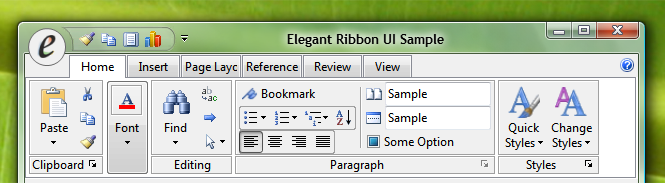
Figure 21 System Theme
The non-client area of a form, which consists of the window border and title bar, is typically drawn by
the Windows. The Elegant Ribbon component, when placed on a form, completely changes the look and feel of
the non-client area
(see Figure 22) so it looks similar to that in Microsoft Office 2007 applications.
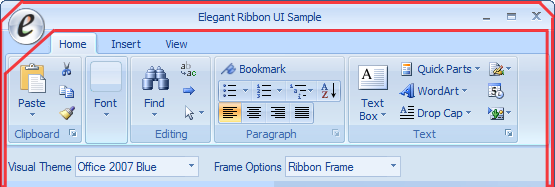
Figure 22 Custom non-client area of the form window
This is achieved with a skin component (Frame Skinner) (see Figure 23).
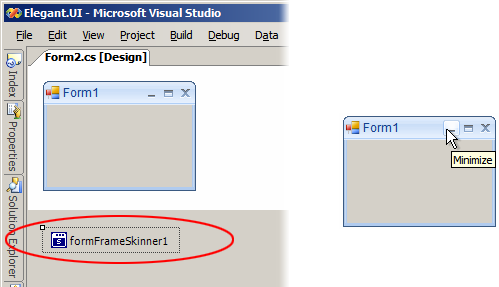
Figure 23 Elegant Frame Skinner component